How Many Profiles Can I Create? Questions for Families With Several Children
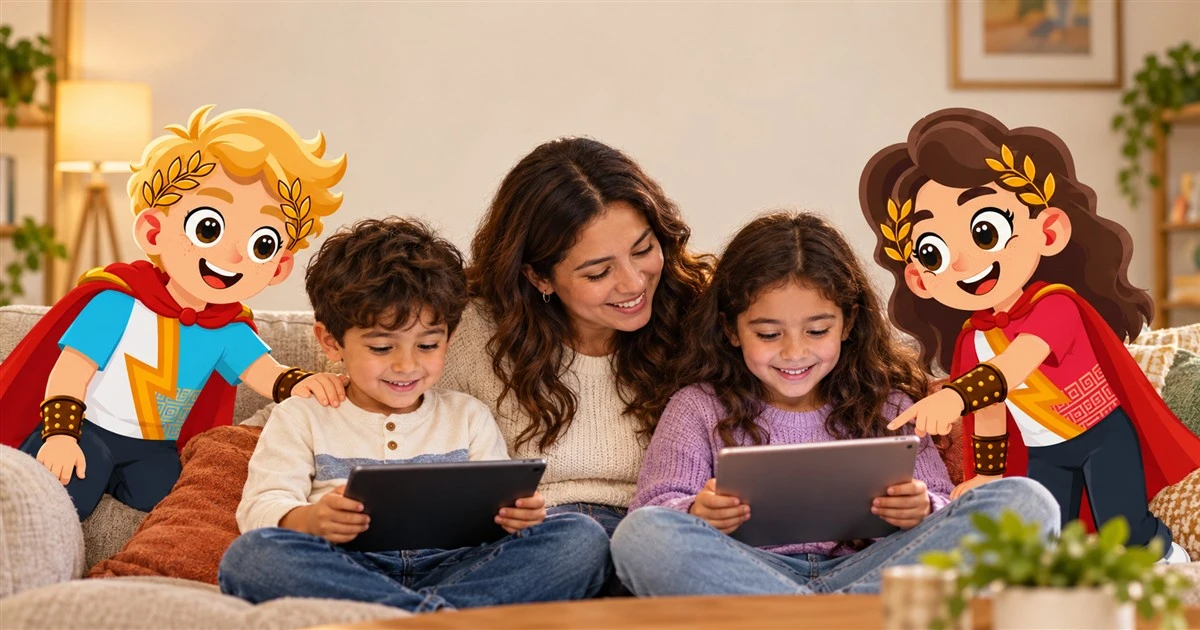
The family account can have several profiles, one per child. Each profile keeps its progress and receives the material for its age. With several kids, this detail avoids the most frequent problem: the older one getting bored or the younger one getting frustrated with the same sheet.
How to do it
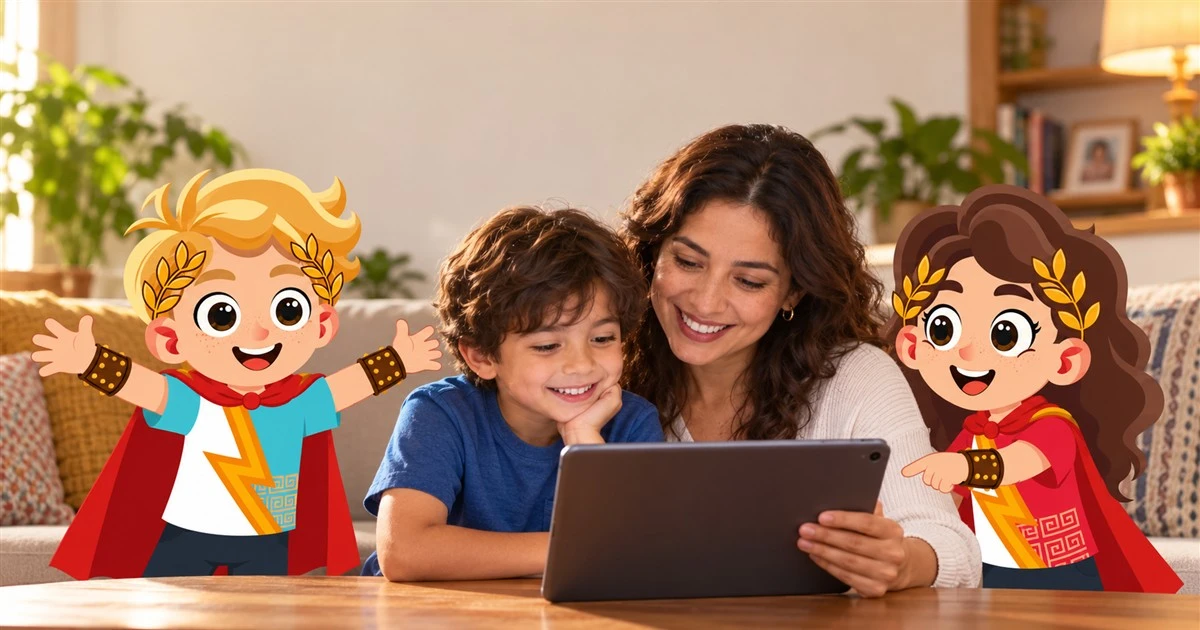
To create a profile you enter the name or a nickname and the birth date. The date sets the range, 4 to 6 or 7 to 10. The photo is optional. The birth date can be changed later from the profile, and you don't need an account per child: one family with one profile per child.
Each child sees their own route, sheets and progress. Siblings don't mix. If the younger one wants to do the older one's sheet, the platform gives them the one for their range.
Two siblings close in age can watch the same class and do different sheets. Afterward, a conversation brings them together: each tells what they decided. Adele Faber and Elaine Mazlish, in Siblings Without Rivalry, warn against comparing siblings. One profile per child helps, because each moves along their own route and not against the other.
What it's for
For your child, their progress is theirs and they don't have to compete with their sibling's. For you, each child has their own information and you can review each one's progress separately.
What you'll see over time
In the first weeks you need to create the right profile for each child, because the date sets the material. Between one and six months each child asks for their route by name. In the long run each profile shows a different learning story.
Signs it's working
It's working when each child asks for their own sheet, when you review each one's progress separately and when they don't fight over the material.
Understand that each child moves along their own route and not against a sibling.
Review each child's progress every week.
Organize profiles for several children in one family.
"One family, one profile per child."
Most common error